
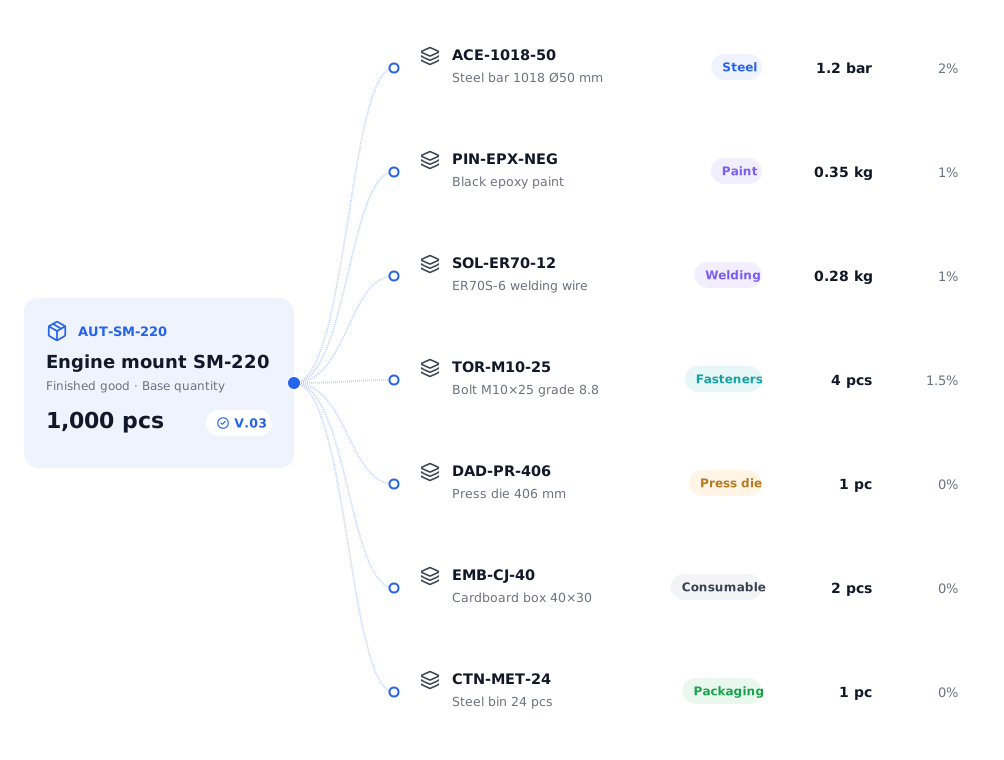
What each product needs, defined once.
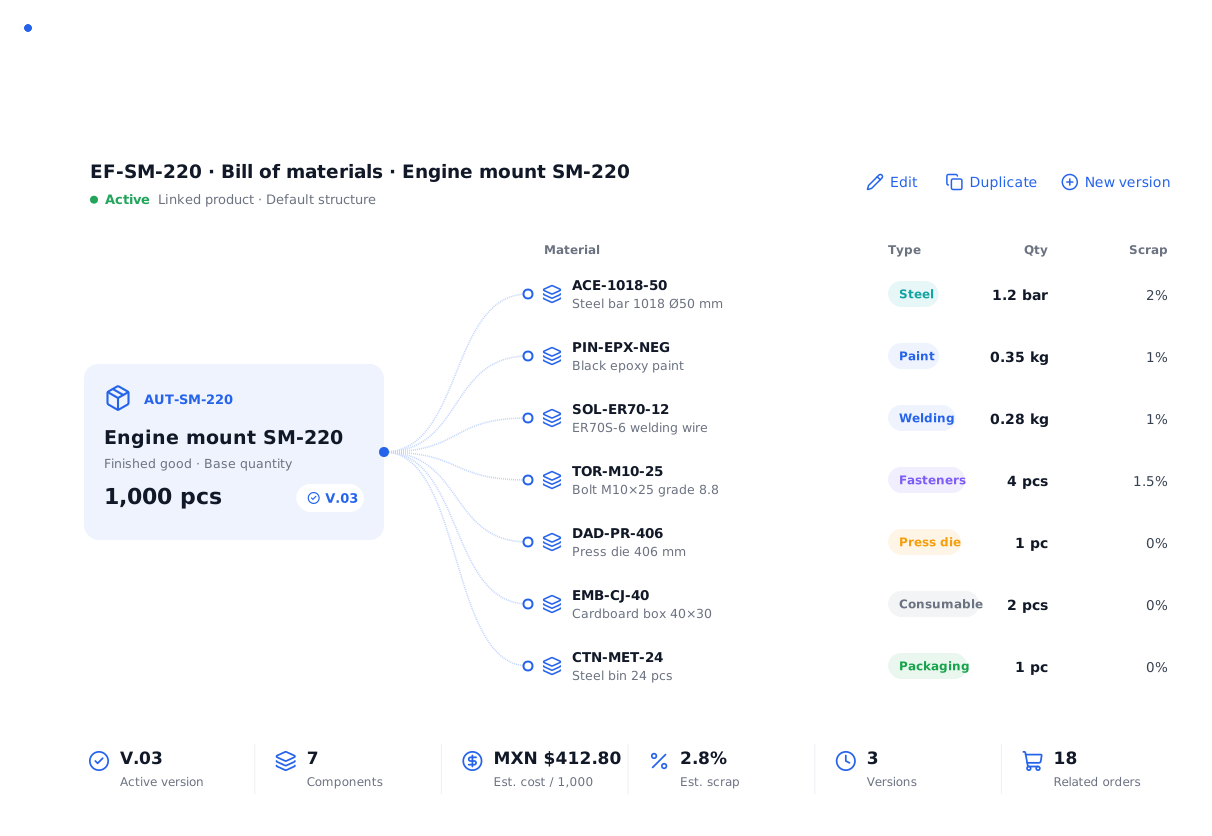
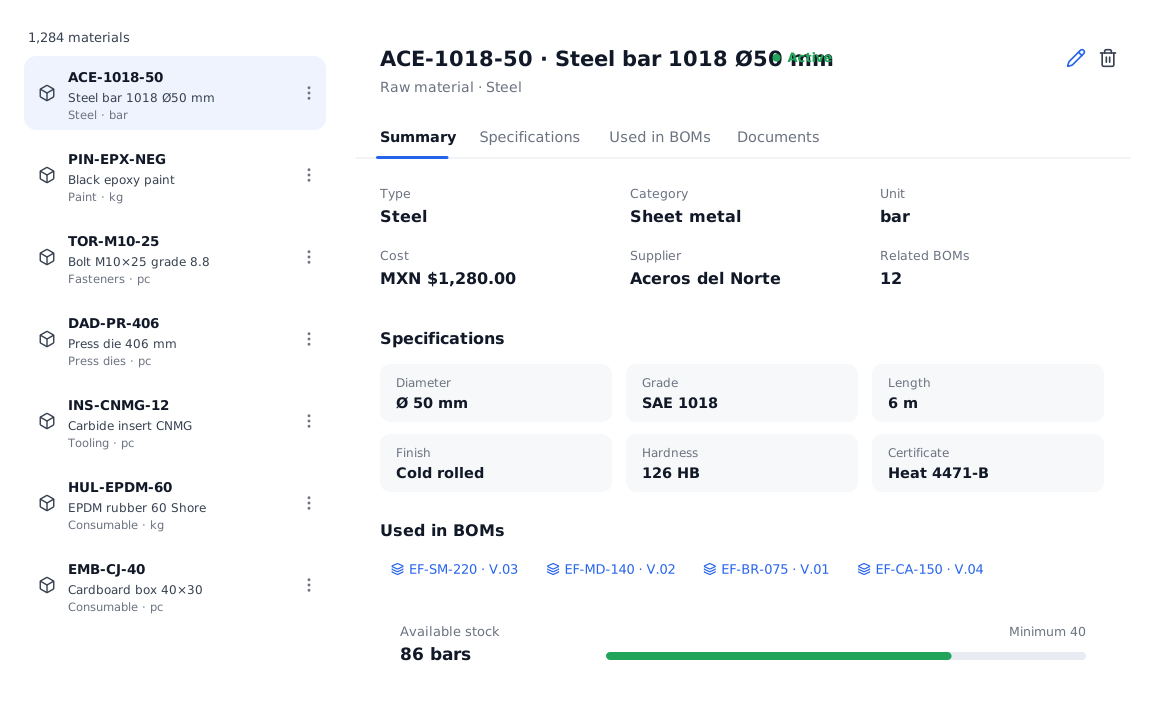
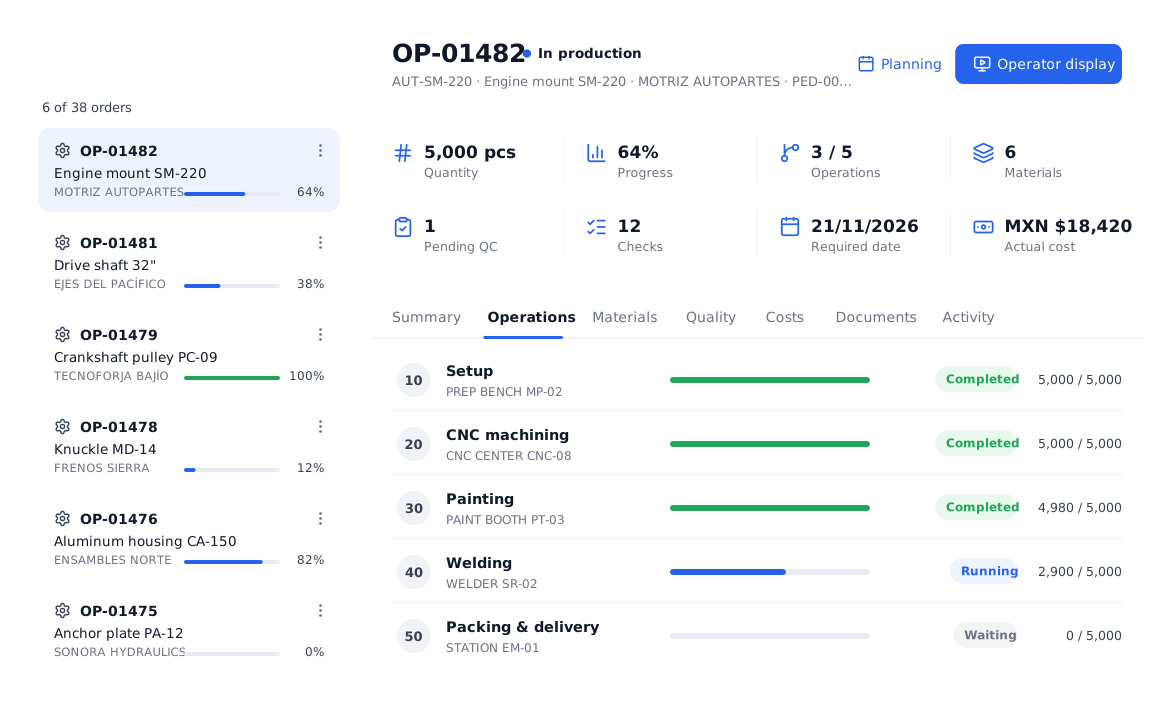
The bill of materials says which materials are needed to make a product and how much. Every production order takes it automatically and shows what must be issued.
Designed to be understood at a glance.
Materials, subassemblies, consumables and packaging.
Each component with type, quantity, unit and scrap, over a base quantity. See the production impact: linked components and related orders.
- Base quantity per BOM
- Default BOM per product
- Linked documents
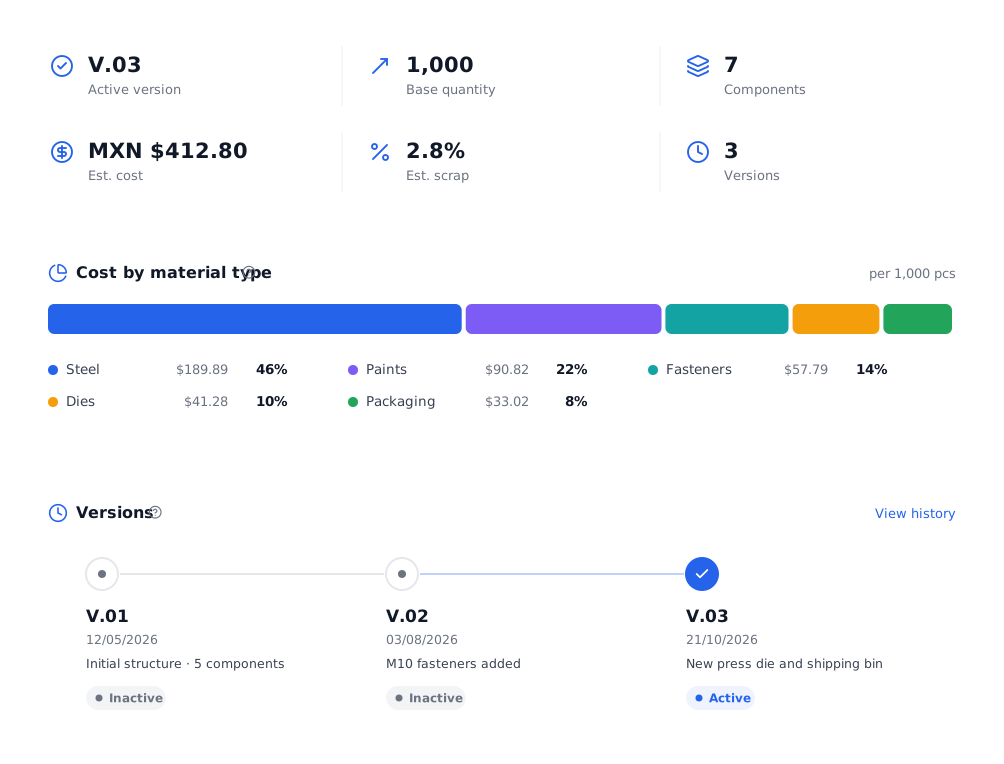
Estimated cost and change control.
Calculate estimated cost per base quantity and its split by material type. Create new versions without losing history.
- Active version and history
- Duplicate a BOM
- Total estimated scrap
Everything you need in this module.
Components
Materials and subassemblies.
Units
Piece, roll, kg, meter…
Scrap
Per material and total.
Estimated cost
Per base quantity.
Versions
Changes without losing history.
Impact
Orders that use it.
In four steps.
Pick the product
From the catalog.
Add materials
With quantity and scrap.
Activate it
As the default.
Used in every PO
Materials calculated automatically.
Questions about the bills of materials.
What is the difference between a BOM and a routing?
The BOM says what it is made with (materials); the routing says how it is made (steps and machines). The order uses both.
Can I import BOMs from a file?
Materials can be imported from a file and then used to build BOMs; we also help during onboarding.
Can a product have several BOMs?
Yes, with a default one and versions for every change.
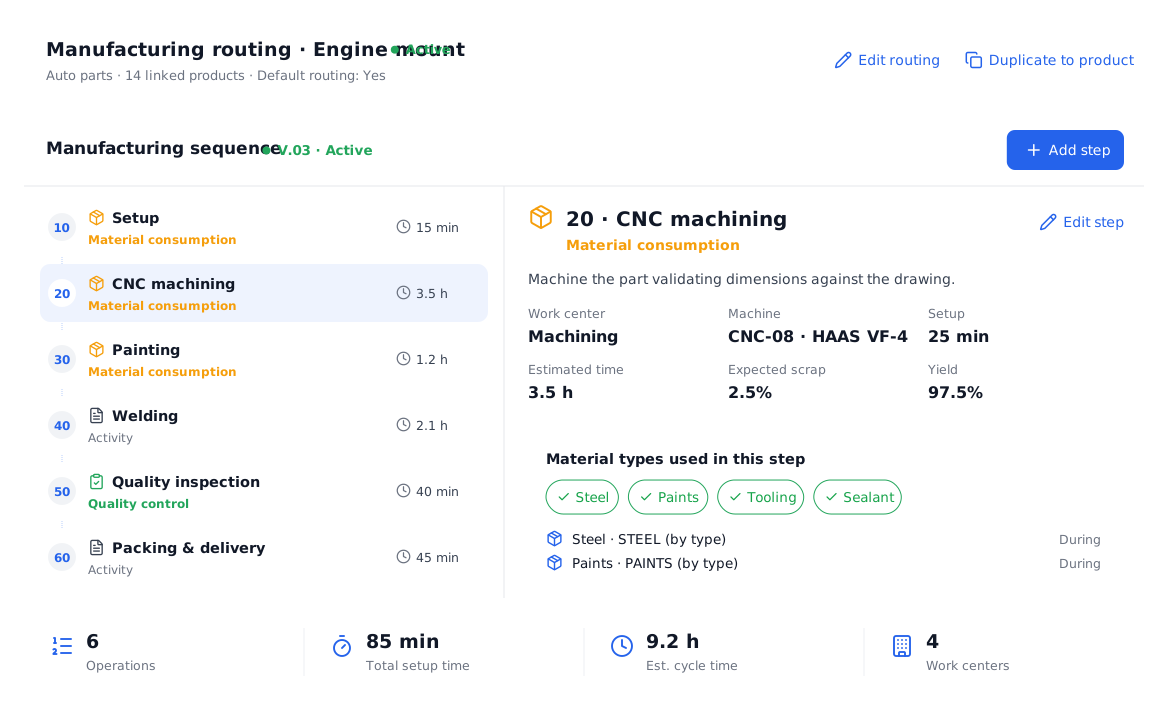
All your production, in one place.
We show you POMGT with your own products, machines and routings. In one call you will see how your plant looks inside the system.